lingua-reader-info
Lingua Reader
Read EPUBs and PDFs with live sentence-by-sentence translation, look up or listen to any word, and turn what you read into an Anki deck as you go.
What it does
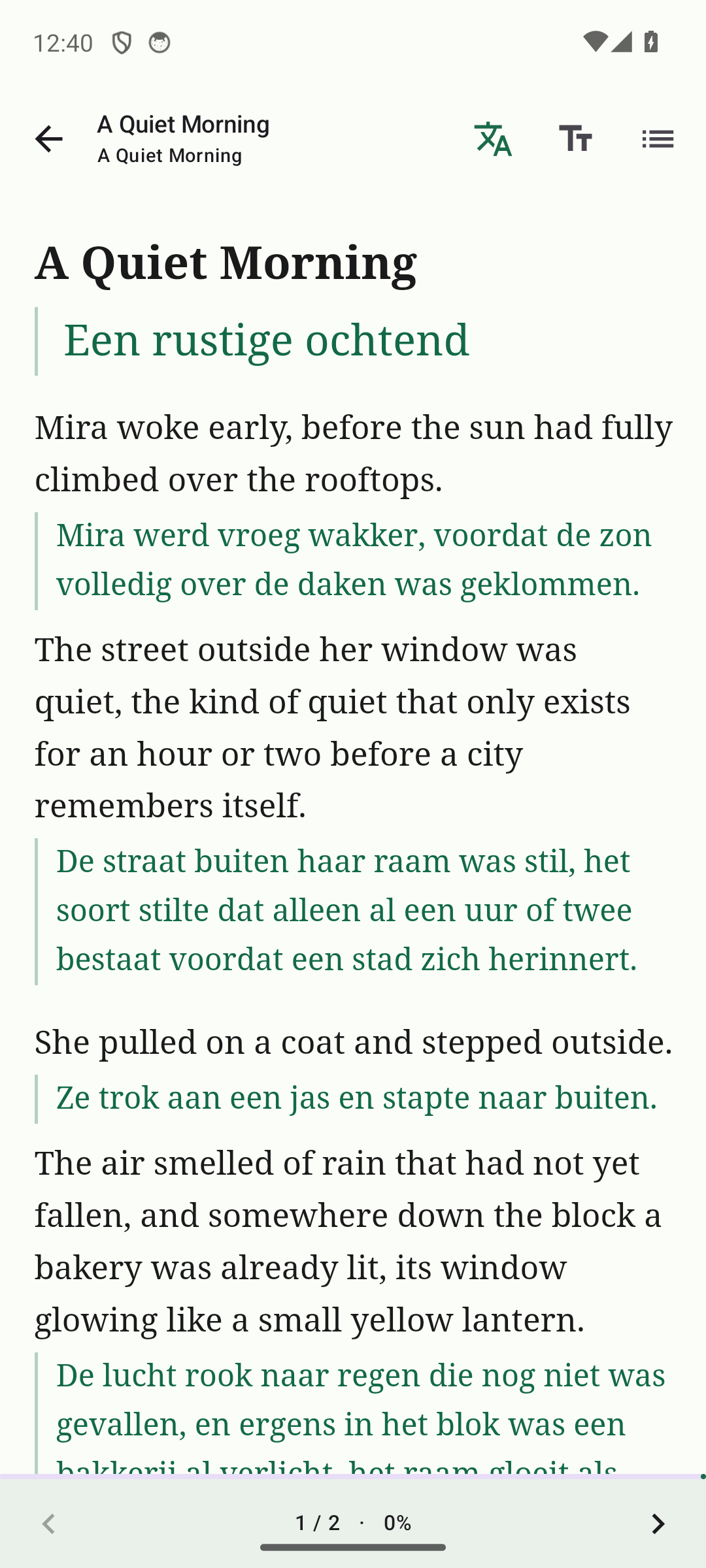
- Sentence-by-sentence translation - inline, on its own line, or hidden until you tap it, for any EPUB or PDF you import.
- Word and sentence lookup - a dictionary definition, an optional AI explanation, or a quick lookup, plus text-to-speech in both languages.
- One-tap Anki export - sends a word or sentence straight to AnkiDroid as a ready-made flashcard, pronunciation audio included.
- Translate for free, on-device - downloaded language packs work entirely offline. Prefer higher-quality results? Connect DeepL, Azure, OpenRouter, or your own server with your own API key.
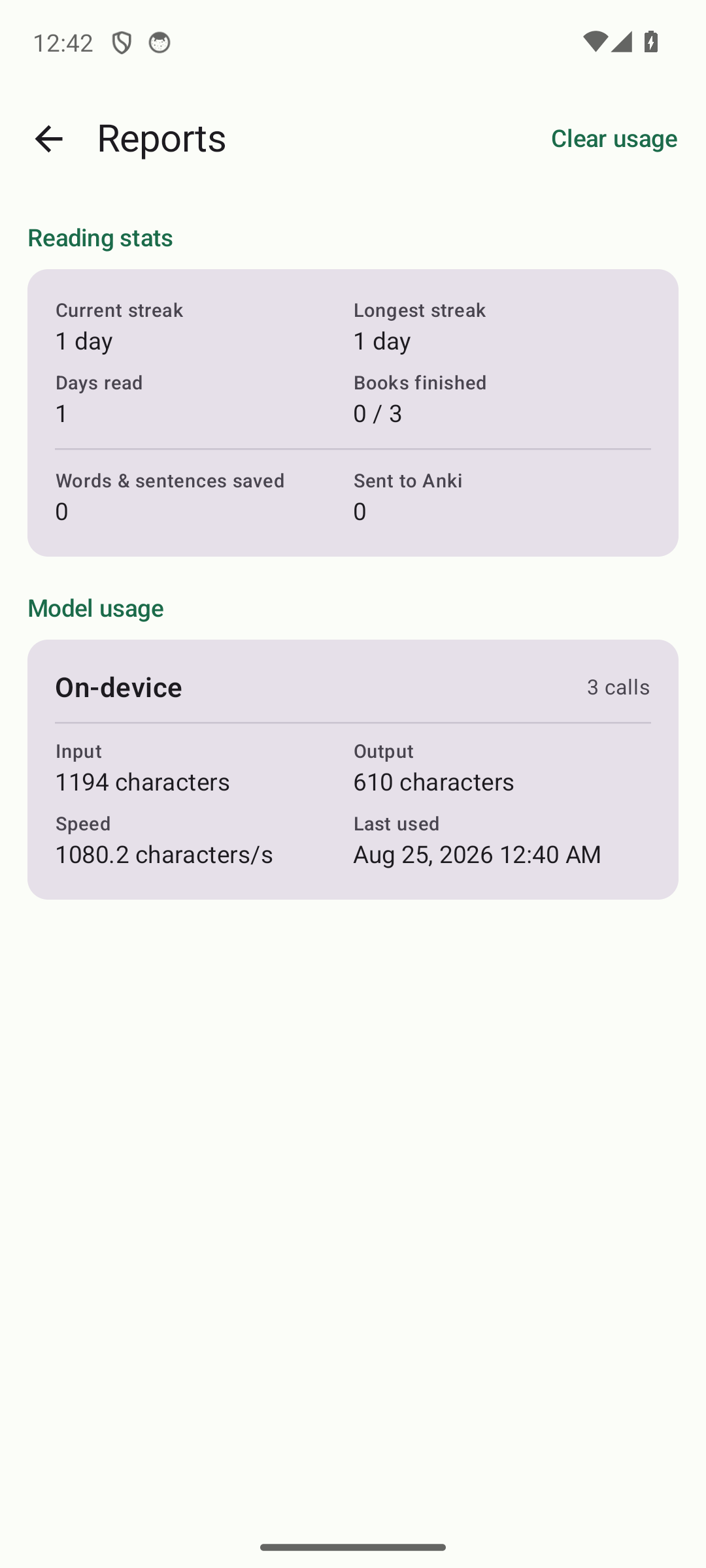
- Reading stats & streaks - tracks your reading activity across every book in your library.
- Cross-device sync - optionally sign in with Google to sync your library, saved words, cached translations, and reading position across devices, all through your own private Google Drive storage. Each category can be turned off independently.
- Two starter books and a full in-app guide are bundled in, so there’s something to read from the first launch.
No account required. No ads. No tracking.
Features & configuration
Everything below lives in the app’s own Settings screen. Defaults are what a fresh install ships with; every one of them can be changed.
Reading & appearance
| Setting | Options | Default |
|---|---|---|
| Translation layout | Off / inline with the sentence / on its own line below it | Block (own line) |
| Hide text until tapped | None / hide the original / hide the translation | None |
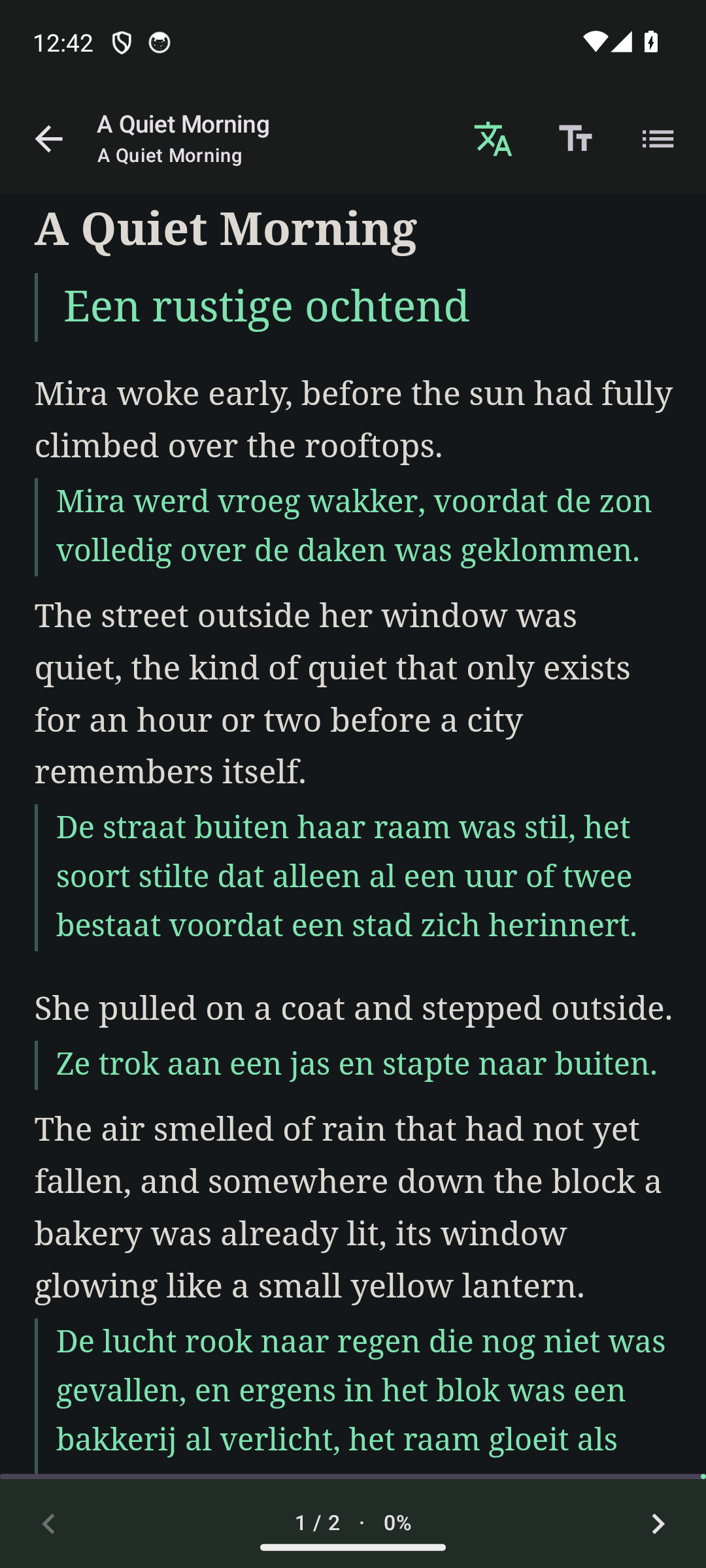
| Page theme | Light, Sepia, Dark, Black, or match the app | Match app |
| App theme | System, Light, Dark | System |
| Text, background & translation colour | Free colour override for each | Theme default |
| Font size, line height, margins | Adjustable independently | 19px, 1.6, 20px |
| Tap zones | Off (tap anywhere toggles bars) or on (zones turn pages) | Off |
| Hardware/volume keys turn pages | On, with an option to invert direction | On |
| Immersive fullscreen | Hides the system status/nav bars too | On |
Translation
| Setting | Options | Default |
|---|---|---|
| Translation provider | On-device (ML Kit, offline & free), DeepL, Azure OpenAI, OpenRouter, or your own server | On-device (ML Kit) |
| Word/sentence explain method | Dictionary & web lookup, or AI-generated (needs OpenRouter or Azure) | Dictionary & web lookup |
| Third explanation language | Optional - shows a text-only translation into a language beyond your main target | Off |
| Auto-translate while scrolling (online providers) | On/off - off by default so a metered API is never spent without asking | Off |
| Translate ahead a chapter | On/off | Off |
| Show translation in the word popup | On/off | On |
Listening
| Setting | Options | Default |
|---|---|---|
| TTS engine | Device default, or any installed engine | Device default |
| Voice per language | Chosen independently for each language you read in | Device default |
| Speech rate | Adjustable | 1.0x |
Anki export
| Setting | Options | Default |
|---|---|---|
| Auto-send on save | On/off | On |
| Pronunciation audio attached | On/off, both languages | On |
| Deck name & note types | Freely renamable (word deck, sentence deck) | “Lingua Reader” |
Sync (optional, per-category)
| Category | What it carries | Default |
|---|---|---|
| Library | Book files, covers, and reading position | On |
| Saved words & sentences | Your vocabulary list | On |
| Cached translations | Skips re-translating a book already translated on another device | On |
| Reading stats & streaks | The data streaks are computed from | On |
Reading stats
Current streak, longest streak, and total days read, computed from your own on-device (and optionally synced) reading activity - nothing sent anywhere unless sync is on.
Privacy & AI transparency
See privacy-policy.md for the full policy, including how the app handles data and how it discloses AI-generated content. In short: nothing is collected or sent to the developer. Translation happens on-device or, if you choose to configure one, directly between your device and the provider you picked, using a key you supply. Optional sync stores your data in your own Google Drive account, not on any server the developer runs. Any AI-generated word explanation is labeled as such in the app.
Support
Questions or issues: kalmariumservices@gmail.com